How to Play Flash Games in 2026
Flash Player is gone, but Flash games still work. How to play old Flash games in Chrome and other browsers in 2026, safely and without downloads.
Updated 2026-10-31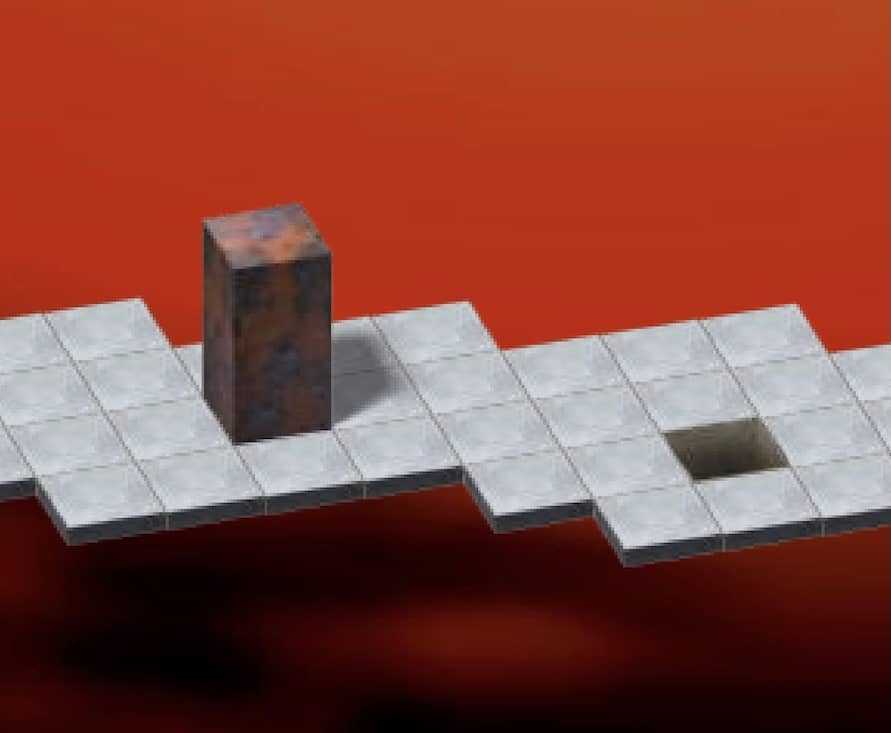 Play Bloxorz onlineFree in your browser – no plugin, no download.
Adobe ended support for Flash Player on 31 December 2020. Shortly afterwards Chrome, Firefox, Edge and Safari removed it entirely, and on 12 January 2021 Flash Player itself began blocking content from running. Overnight, thousands of browser games – many of them the games people grew up with – stopped working.
The games themselves still exist. What is missing is the player. Here is how to play Flash games today.
Option 1: play in the browser with an emulator (easiest)
A Flash emulator is a modern program, written for today's browsers, that reads an old Flash game file and runs it without Adobe's plugin. This is how every game on FlashAttic works: open a game page, press Play, and the game starts inside the page. There is nothing to install, nothing to enable and nothing to download.
Try it with Bloxorz, QWOP or Learn to Fly.
Emulation is very good but not perfect. Most classic games run as they did; a few complex late-era games can have glitches with sound, fonts or speed. If a game misbehaves, reload the page and press Play again.
Option 2: offline archives
For collectors, large preservation projects keep tens of thousands of Flash games and animations in downloadable archives with their own launchers. They are a wonderful resource if you want everything, but they mean installing software and downloading a lot of data. For replaying a few favourites, the browser is quicker.
What not to do
- Do not download "Flash Player" installers. Adobe no longer offers one, so any download claiming to be Flash Player is unofficial and possibly malicious.
- Do not change old browser settings guides tell you about. The "Allow sites to run Flash" toggle in Chrome settings is gone; there is nothing to switch on.
- Do not download .swf files from random sites unless you know what you are doing – an emulator in the browser does the same job safely.
Tips for playing Flash games today
- Click inside the game before using the keyboard. Flash games only listen to keys when they have focus.
- Use fullscreen or theater mode. Flash games were made for small windows; the player's fullscreen button scales them up.
- Write down level codes. Many Flash games saved progress as passwords rather than files – our Bloxorz level codes are a good example.
- Your attic remembers you. FlashAttic records what you played and for how long on this device, so you can pick up where you left off from the home page.
Can't remember the game you're looking for?
Describe it in the game finder, or browse the 50 old Flash games you forgot about.
FAQ
Can I enable Flash in Chrome?
No. Chrome removed Flash Player completely in 2021, and the old "allow Flash" site setting no longer exists. Flash content now needs an emulator, such as the one built into the FlashAttic player.
Is it safe to download Flash Player today?
No. Adobe no longer distributes or updates Flash Player, so any "Flash Player download" you find now is unofficial and may be malware. You do not need it to play Flash games.
Do Flash games work on a phone?
Many do, in a mobile browser. Games played only with the mouse work best with touch; games that need a keyboard are much easier on a computer.
Why does a game not react to my keys?
Click once inside the game first. Flash games only receive key presses when they have focus, exactly as they did in 2008.